
Register now for the 14th Basel Technology Apéro on October 24!

Our Microsoft SharePoint offers

SharePoint Intranet - innobit ag

SharePoint Intranet

We realize a wide variety of intranet projects for you, whether you are an SME or a large corporation. You can also see the diversity of our expertise in the diversity of our references.

SharePoint Workflows - innobit ag

Processes & workflows

Do you want to make your processes more efficient, digitize and automate them? We will show you how this can be implemented efficiently and advise you on best practice.

SharePoint Infrastructure - innobit ag

SharePoint infrastructure and migration

Be it the classic "out-of-the-box" solution or the complex and holistic SharePoint migration to a new version. The Swisslos reference gives you further insights.

SharePoint Business Applications - innobit ag

Designing business applications efficiently

We efficiently implement, design and seamlessly integrate your business processes and workflows into your environment.
SharePoint Security - innobit ag

SharePoint security

We implement the highest security standards for you. If SharePoint is used as an extranet and secure authentication procedures are required, we integrate suitable protective measures for you.

SharePoint Health Check - innobit ag

SharePoint Health Check

We check your environment and show you optimization potential and suggested solutions.
SharePoint Health Check

Request a consultation

"*" indicates required fields

Name*
This field is used for validation and should not be changed.

Microsoft SharePoint - Effective team collaboration.

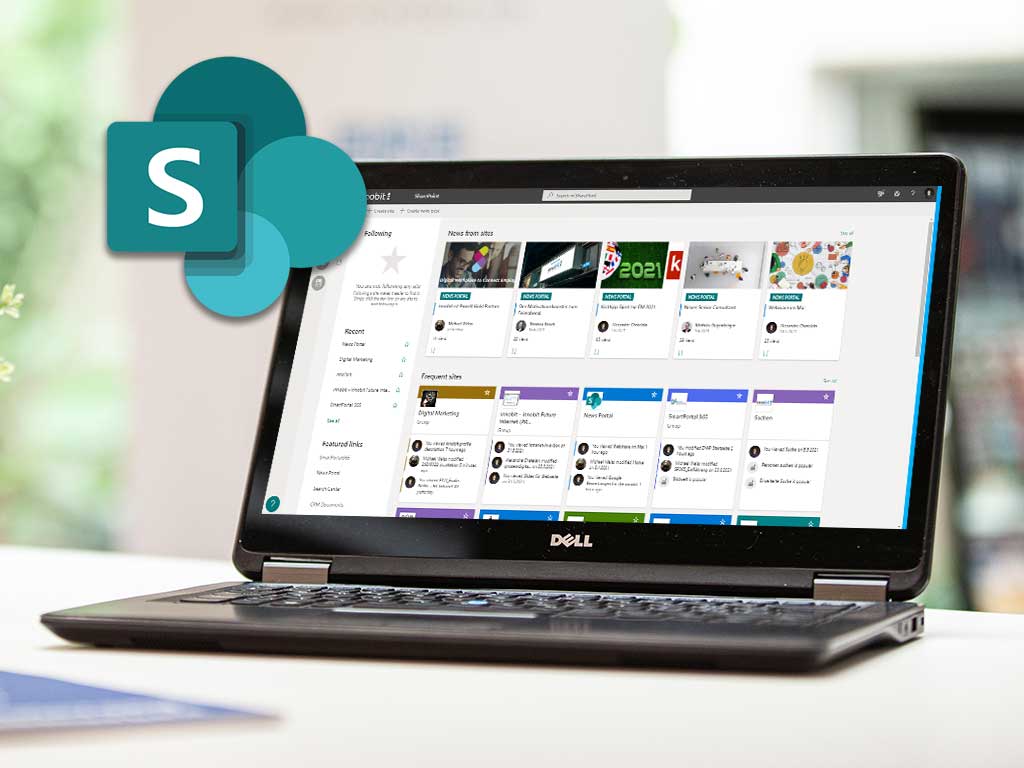
Microsoft SharePoint is a web application for effective and efficient collaboration for teams in a company. SharePoint enables the storage, sharing and management of digital information as well as the joint editing of documents. SharePoint enables teams to have shared access to documents and data. This promotes interaction and collaboration across locations. A major advantage is that you can access your data quickly and securely at any time, regardless of location and time.

Find out more about our IT solutions for SharePoint:

How does SharePoint work?

The numerous enhancements include the provision of freely configurable team rooms, the simultaneous joint editing of documents, the interactive visualization of information from different systems, the company-wide safeguarding of data retention periods and much more. This information can be accessed securely from a laptop, smartphone or your PC.

SharePoint is available both as locally installable software and as a SharePoint Online service, centrally provided and continuously expanded by Microsoft. SharePoint Online is also a component of Microsoft 365 (formerly Office 365).

Microsoft SharePoint: The fast track to your intranet.

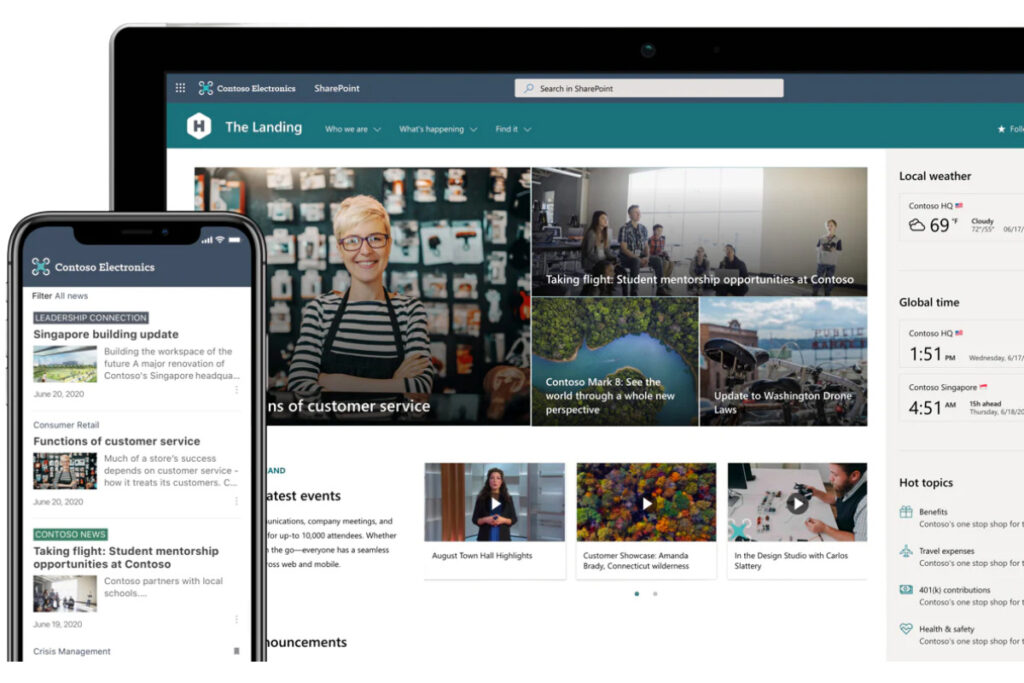
SharePoint is the basis for an intelligent intranet in your company that offers employees an enjoyable and positive experience. You can build individual SharePoint sites and design them according to your ideas and needs.

Why is SharePoint so widespread?

SharePoint integrates seamlessly into the Office world and the widely used Microsoft platform. Users benefit from this, for example, by being able to work directly on documents in the familiar file system and having them synchronized transparently with SharePoint in the background. On the market since 2003, the platform, once known as rather complex, has developed into a user-friendly de facto standard in the area of "Collaboration" and "Intranet" (internal information exchange).

What do you do with Microsoft SharePoint?

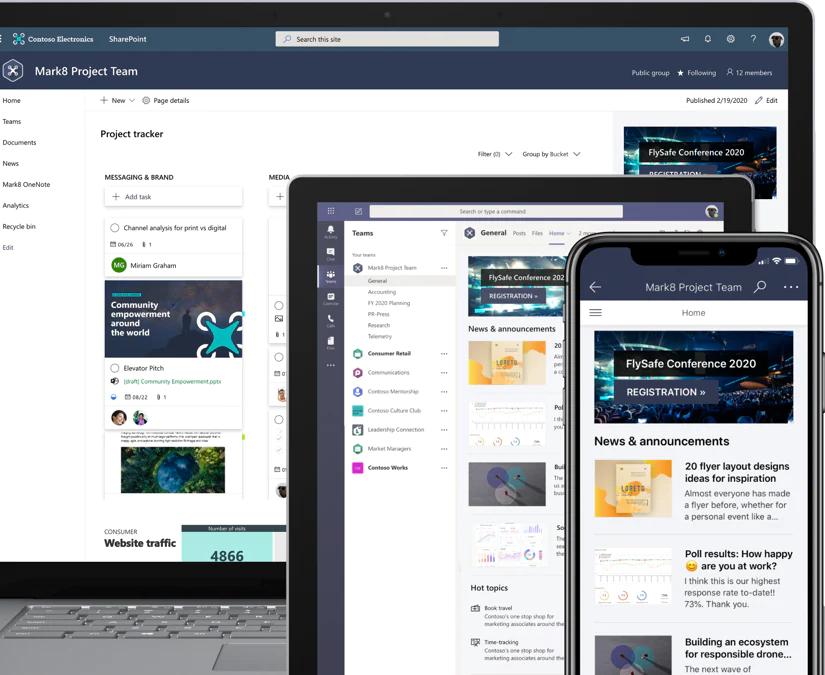
Microsoft SharePoint can be used in a variety of ways. Companies can create beautiful, flexible and individual websites and SharePoint serves as a place to store, structure and share shared documents. SharePoint can also be used to manage projects and coordinate internal team tasks.

What to do with SharePoint - innobit ag

What is the difference between OneDrive and SharePoint?

In principle, the technical basis of both technologies is identical, as both are based on SharePoint. The main difference is that SharePoint sites are intended for team collaboration and OneDrive is used as a personal storage space for employees. With both OneDrive and SharePoint, your data is stored in the cloud and can be synchronized with your computer.

What is the difference between OneDrive and SharePoint - innobit ag

Process optimization with Microsoft SharePoint

When implementing projects with SharePoint, the question of "build or buy" always arises. There are product manufacturers who provide solutions for a wide range of topics. We provide you with independent and competent advice when it comes to clarifying the options. In the SharePoint area, we prefer the following solutions and frameworks:

  • Intranet: Livetiles Intranet, Powell 365
  • Migration: AvePoint, Metalogix, Sharegate
  • Governance & Self Service: AvePoint Cloud Governance, SmartPortal365
  • Learning Management System: LMS365, Viva Learnings
  • Office Template & Content Management: officeatwork

What does innobit offer you?

Competence & experience

innobit has been offering services and project services based on SharePoint since 2007. Around 20 employees in various roles contribute to our comprehensive expertise: While our SharePoint project managers and consultants accompany you through the entire project from conception, procedure, configuration and implementation, our SharePoint software engineers and system engineers cover all needs on the technical side.

We advise you on all questions relating to SharePoint.

"*" indicates required fields

Name*
This field is used for validation and should not be changed.
Map - innobit ag