In our AI workshop "Copilot" you will receive an introduction with important basic information on artificial intelligence and how the technology behind it works.
More information about the AI workshop
We have summarized the questions that will be worked out in detail in the workshop here:
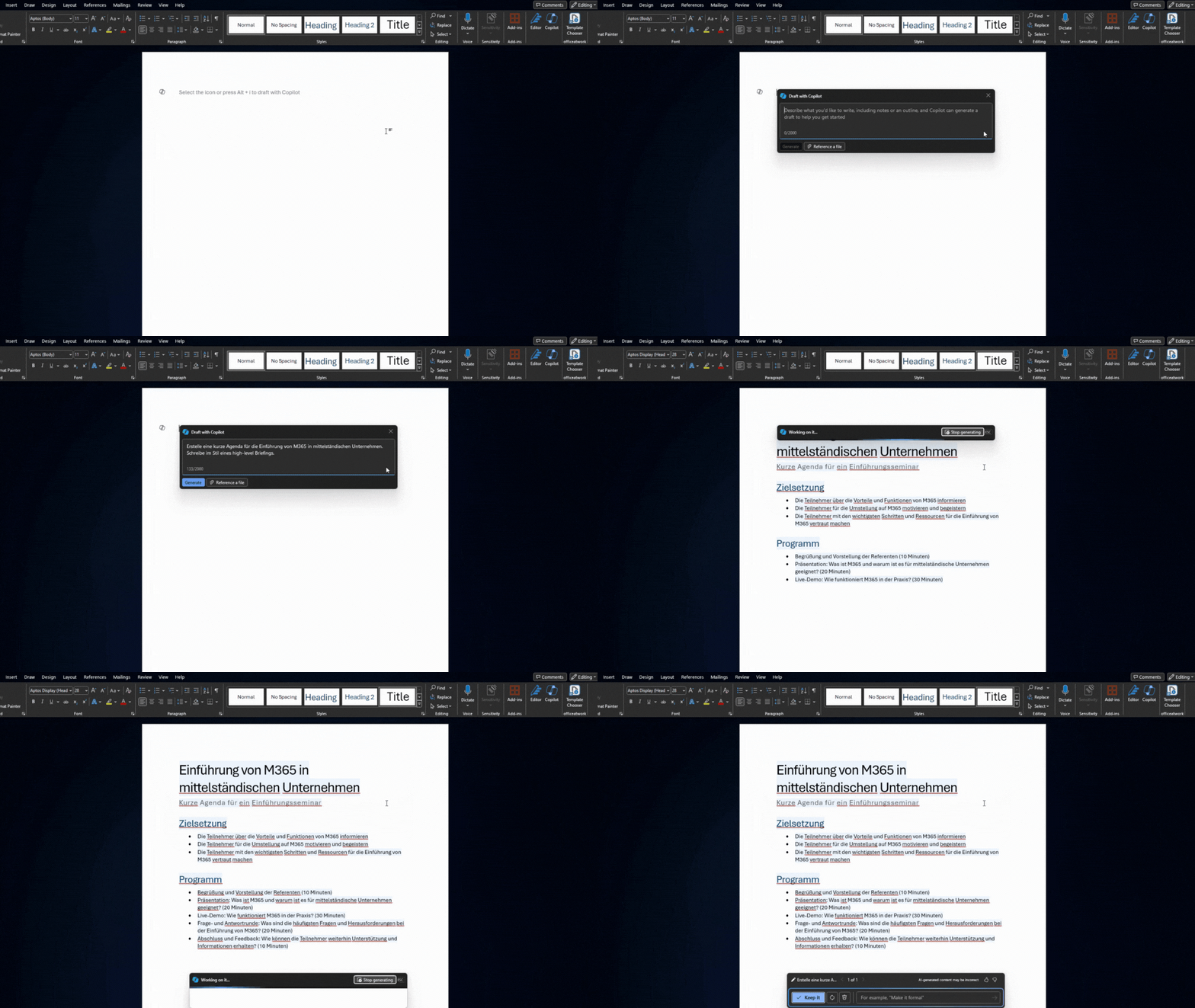
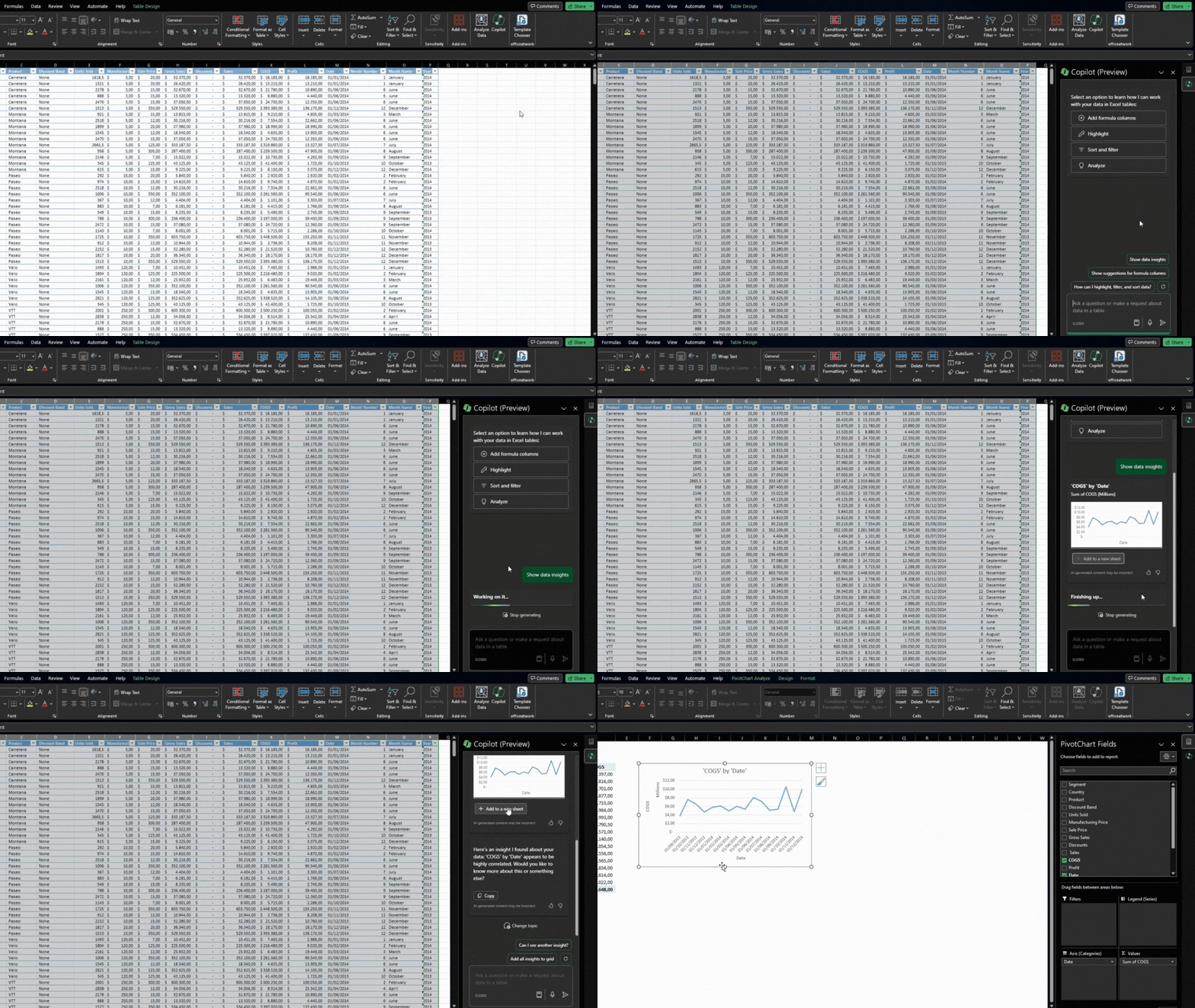
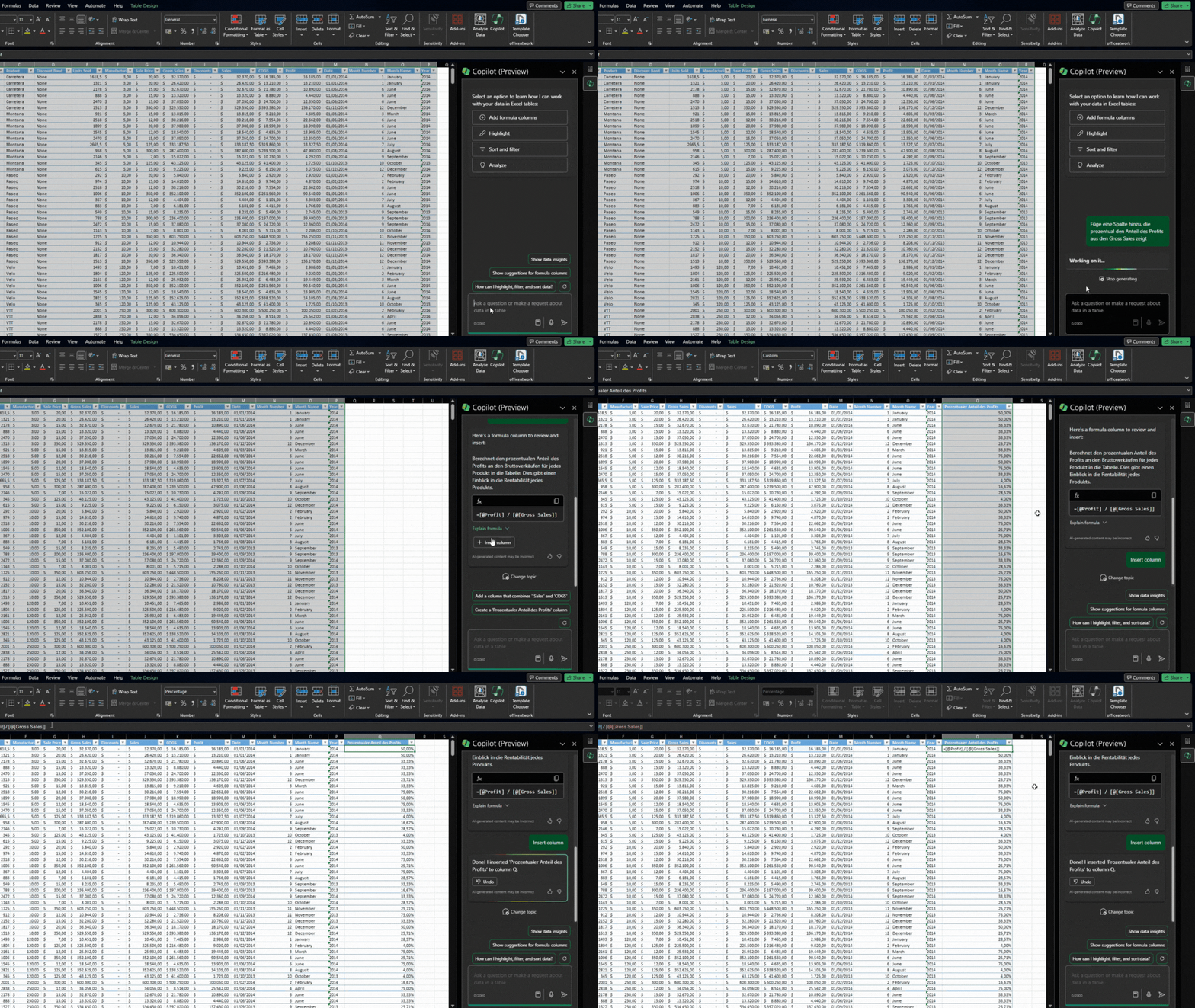
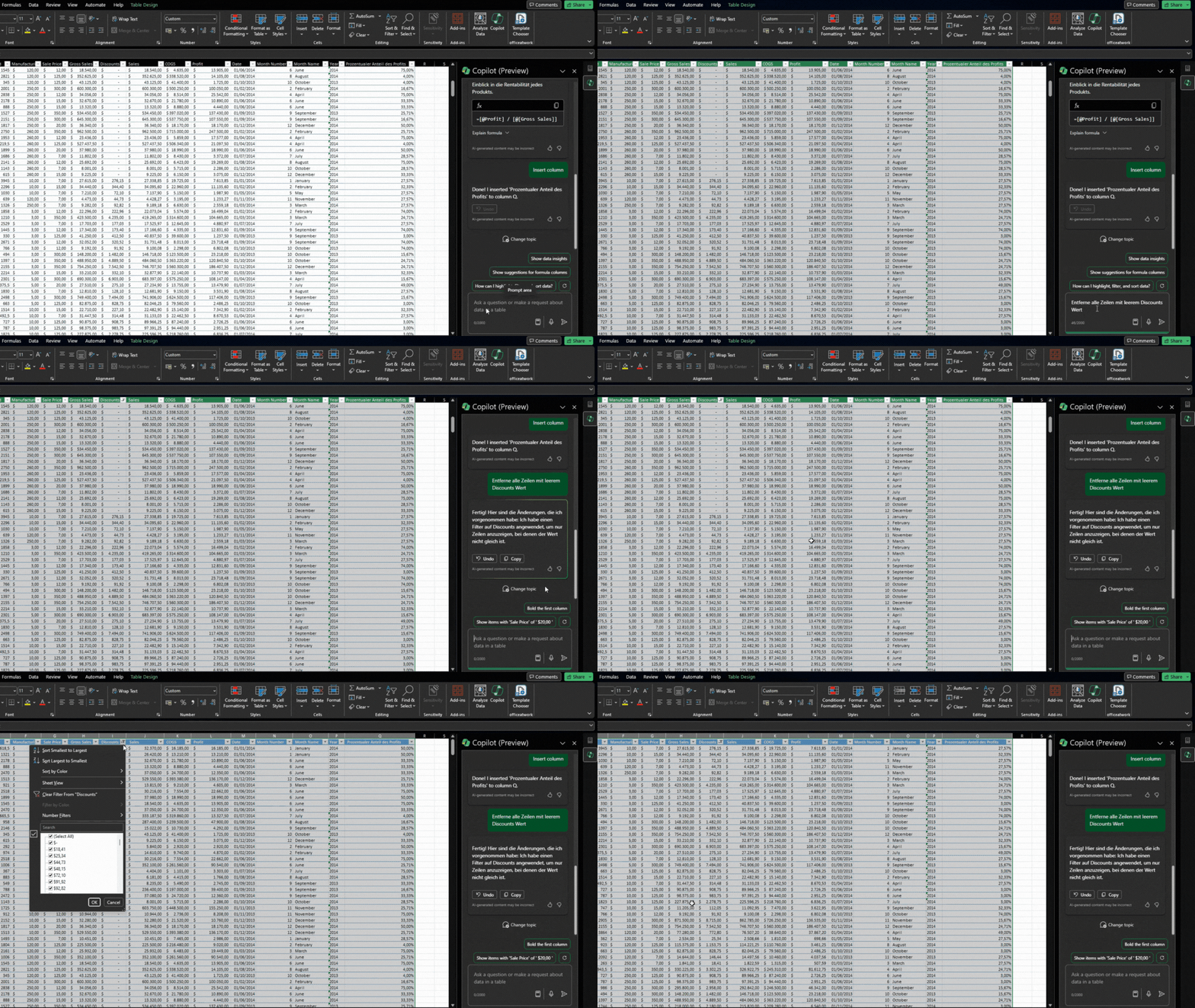
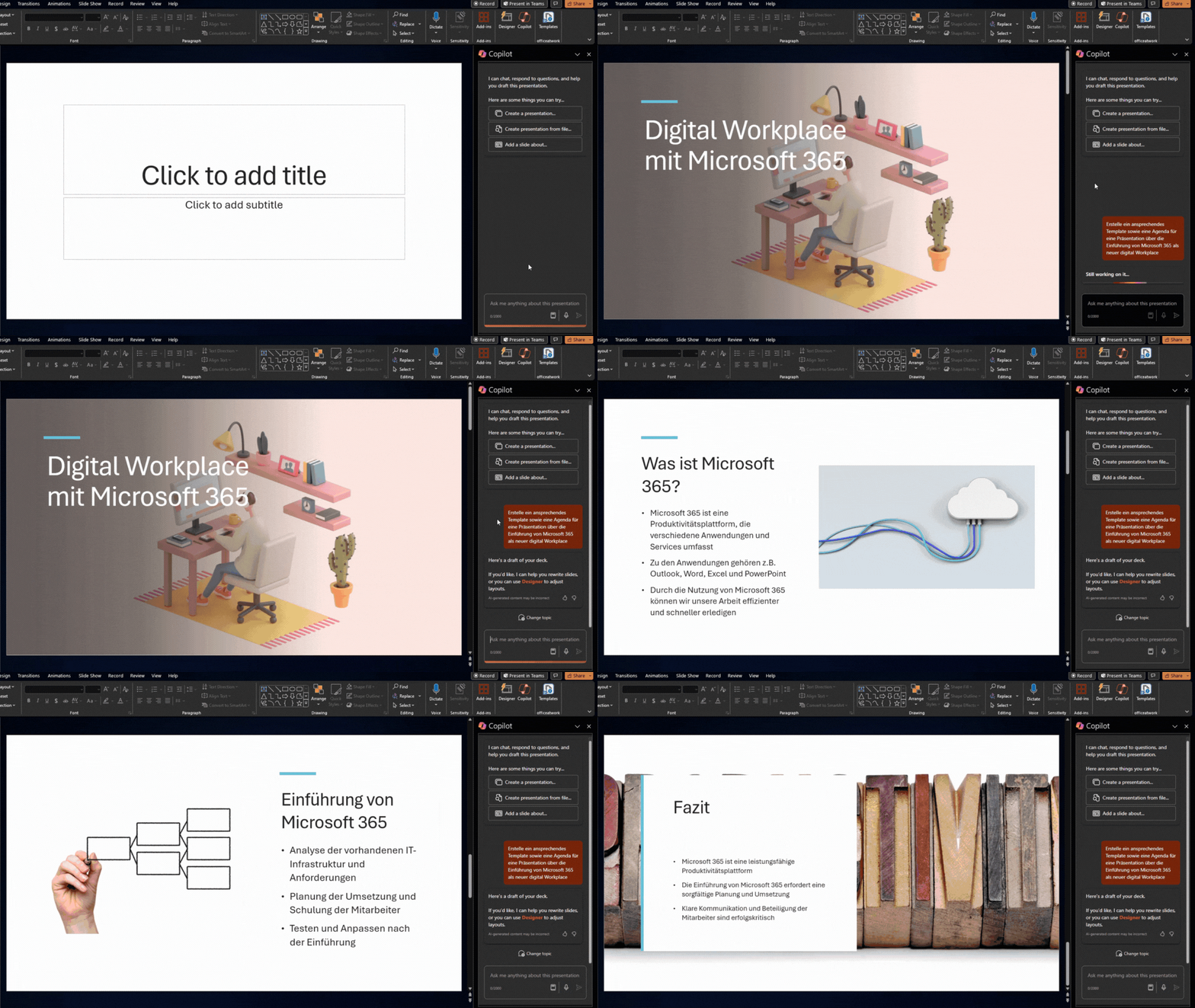
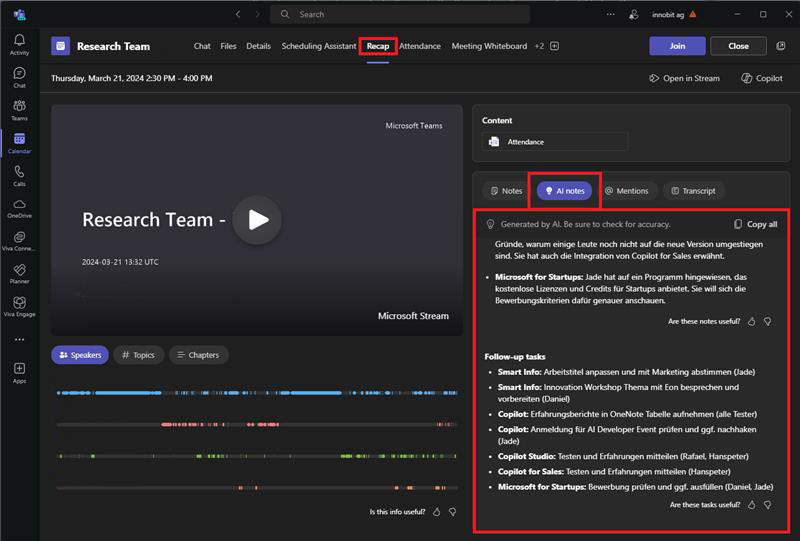
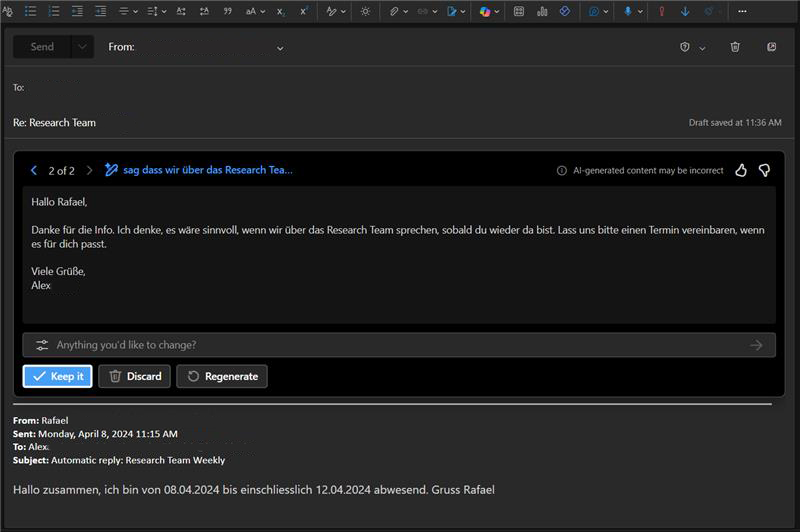
There are now many applications in which Copilot is integrated. The applications that already include Copilot are listed below:
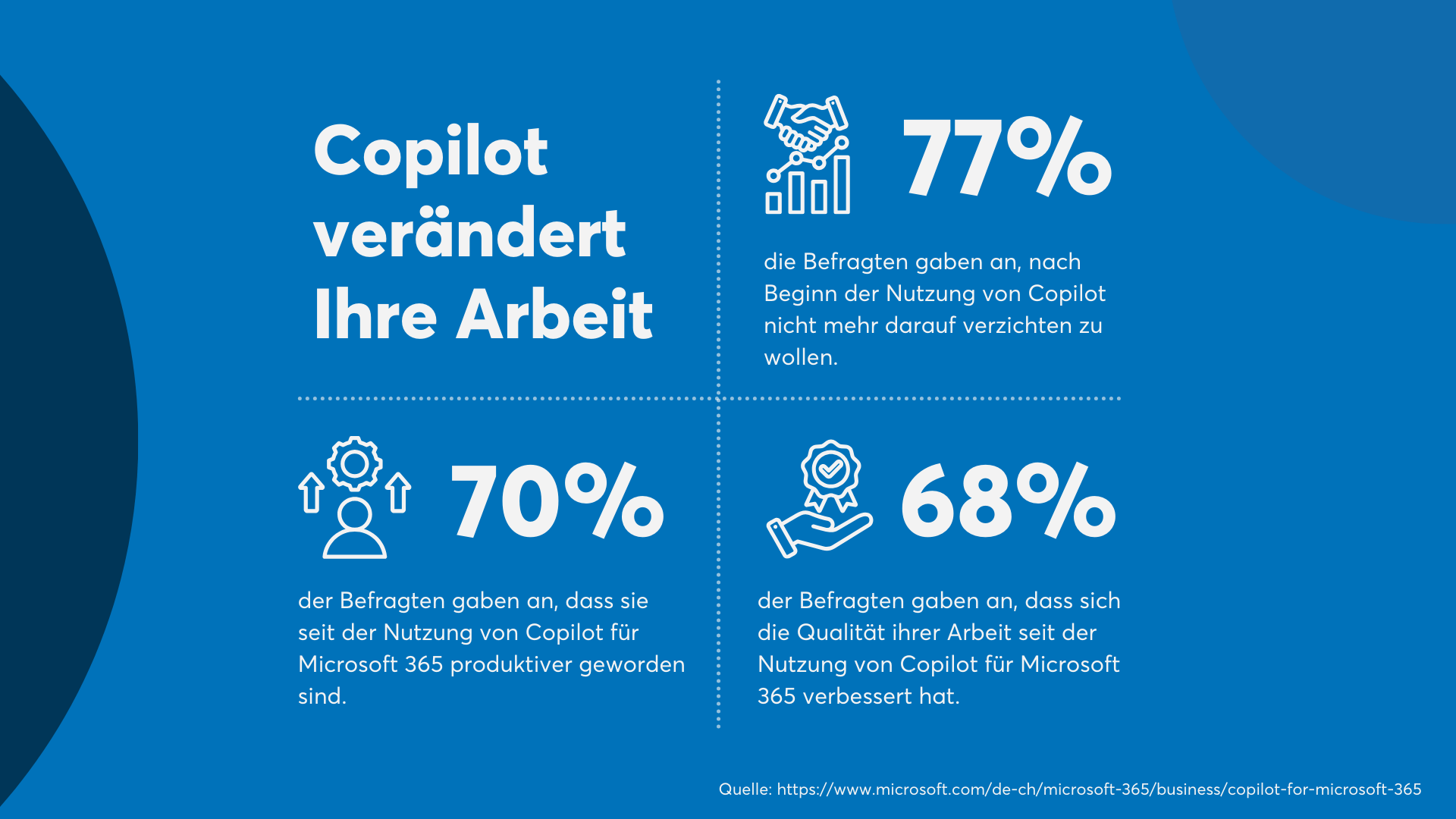
As already mentioned, Microsoft M365 Copilot can help employees in many different areas on a daily basis and save valuable time, which can then be used for other profitable tasks. However, this is only possible if you also know how to use AI products in general and M365 Copilot in particular effectively.
We work with Copilot on a daily basis and support many customers in the field. We can therefore pass on proven best practices and share them with you!
Microsoft provides guidelines for dealing with AI that are intended to prevent user errors and provide users with important best practices. Copilot serves as a "support worker", not as a replacement for your own workforce, and therefore a few things need to be taken into account in order to use Copilot with maximum efficiency.
Identifying the specific use cases in your company is an important step in transforming the way you work. Where can you use AI profitably yourself?
innobit ag can support you as a competent and experienced partner on your path to an AI-driven future. Change and adoption is one of the cornerstones of any successful IT project. In the end, it is your employees who benefit from the implementation and success.