

Microsoft Teams video meetings without an account - how does it work?
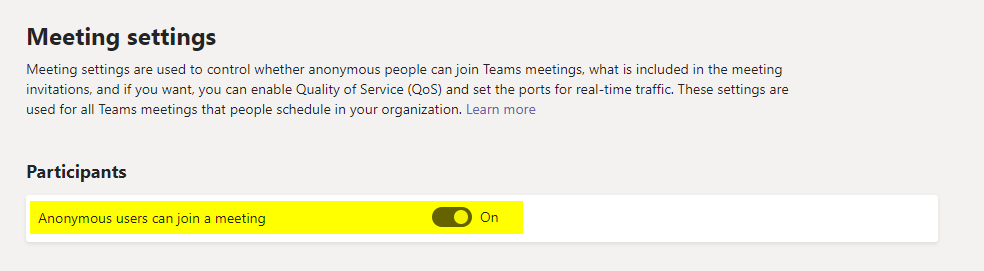
How to give contacts without a Microsoft account access to the online meeting
Register now for the 14th Basel Technology Apéro on October 24!
Sometimes things have to happen quickly! Especially at the moment, when many customers are switching to Microsoft Teams very quickly, there is little time for a detailed introduction and targeted adaptation. Nevertheless, this is important and should definitely be done in these cases. (see also "Why Microsoft Teams can fail")
Today I would like to highlight a very practical function that many people may not have been aware of. Neither was I until recently. Many thanks to Julia for the tip.
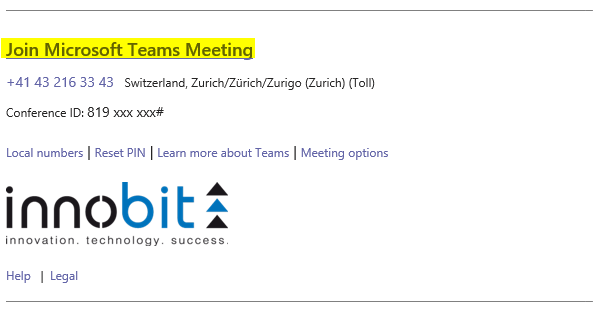
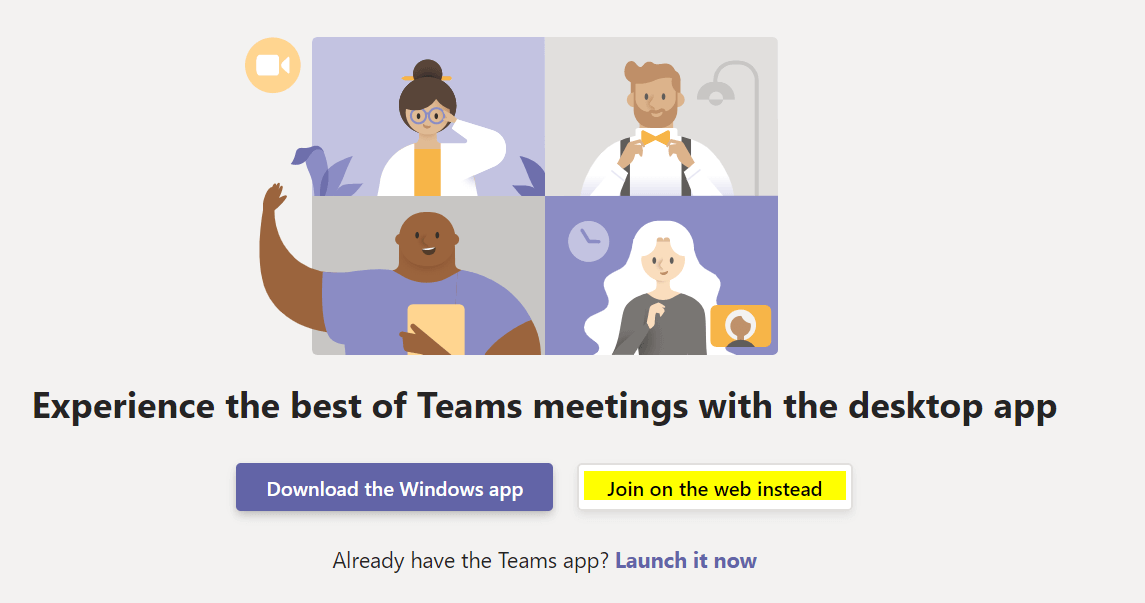
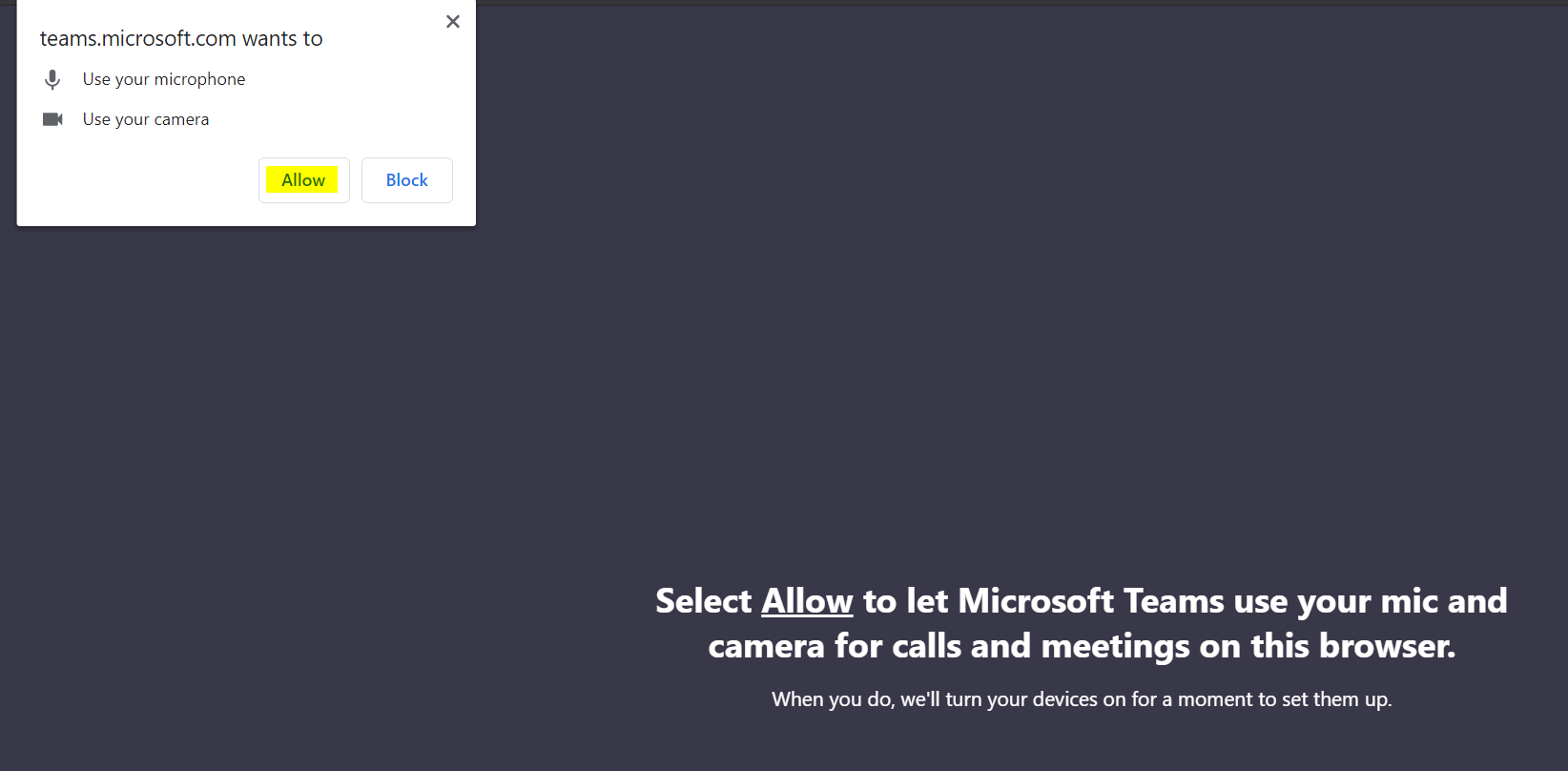
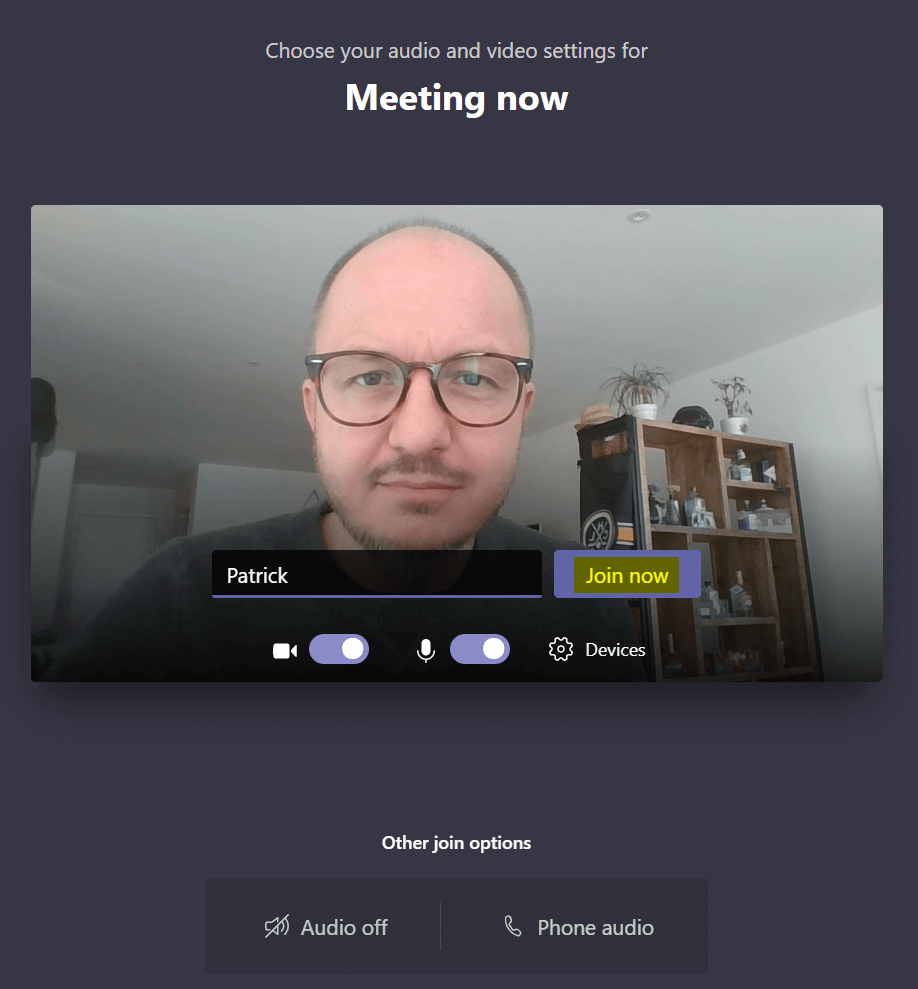
It is easily possible for people to take part in Microsoft Teams Online Meetings without having to have a Microsoft account.