


Microsoft Teams is one of the big topics we are currently seeing in companies. Although it is often seen as "just" a tool, many companies have a real challenge with its introduction. We got to the bottom of some of the concerns and difficulties at the event on 18.6.19 in Wallisellen. I have summarized the key points on the topics of product features, introduction & adoption and governance in this article.
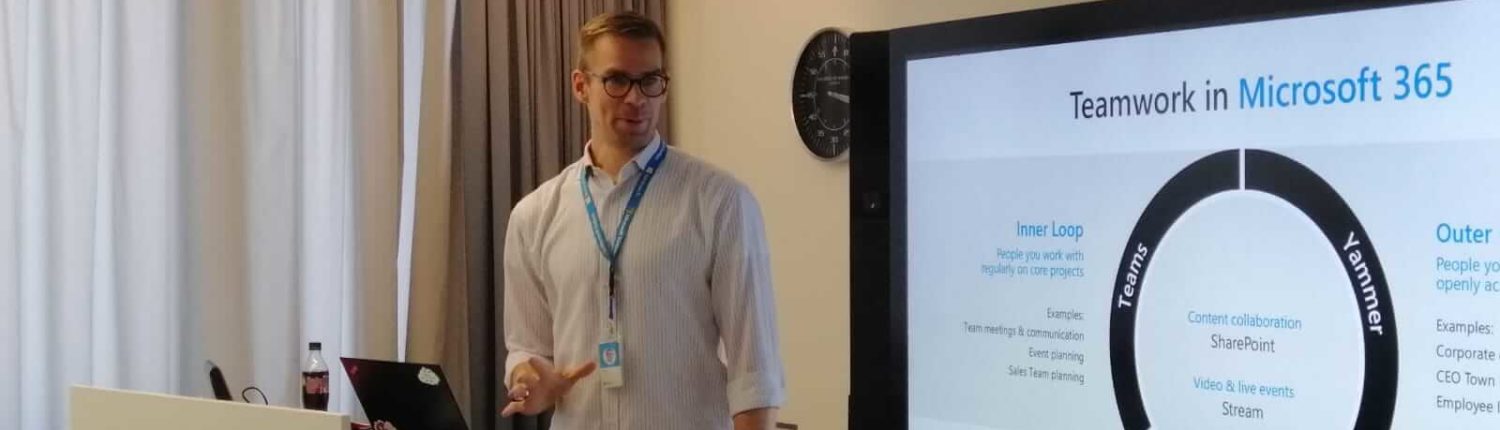
Nils Eigenbrod, Modern Workplace Customer Success Manager, Microsoft Switzerland, presented essential product features and explained some important basic points about Microsoft Teams. The main focus was on the central role in the various teamwork scenarios, e.g. through integration with Planner in project work or with special functions for employees in service and production.
Ongoing updates also contribute to major improvements in user-friendliness and functionality. Upcoming innovations in 2019 will include live subtitles and the manual setting of the background during calls, as well as the function of private channels within a team. The Office 365 roadmap is available for more details.
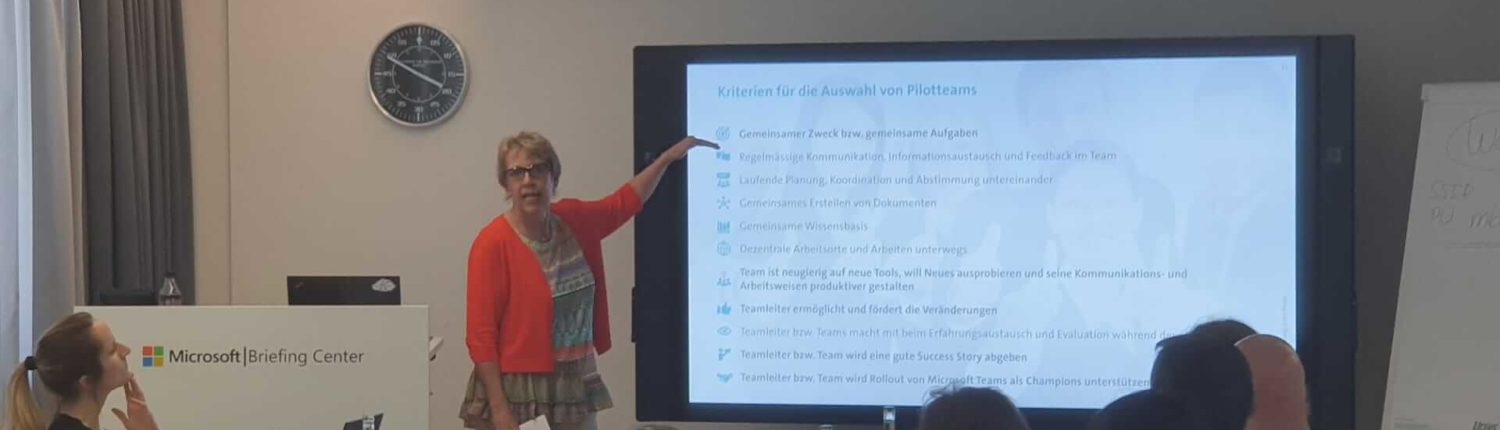
Judith Schütz, Collaboration Coach, OSN Open System Network AG, pointed out the importance of providing users with adequate support for a successful introduction. Adoption is not a sure-fire success, which is why some components need to be carefully weighed up in the pilot phase. These include, for example, the pilot teams (whether and how they work together and whether Microsoft Teams is suitable for every user group) and the openness of the teams to try out new ways of working, even on a trial basis. Without support and best practices, it often happens that Microsoft Teams is reduced to a chat and meeting tool, as uncertainty arises between Microsoft Teams and the SharePoint repository and other apps.
However, this is very obvious when you consider the following: "Microsoft Teams and SharePoint are like your office: on your desk, you always have up-to-date documents and what you need for the day's business. That's Microsoft Teams; you can think of the channels as individual folders for each topic. SharePoint is the roller cabinet behind you, where you store everything you might need to access again." (Judith Schütz)
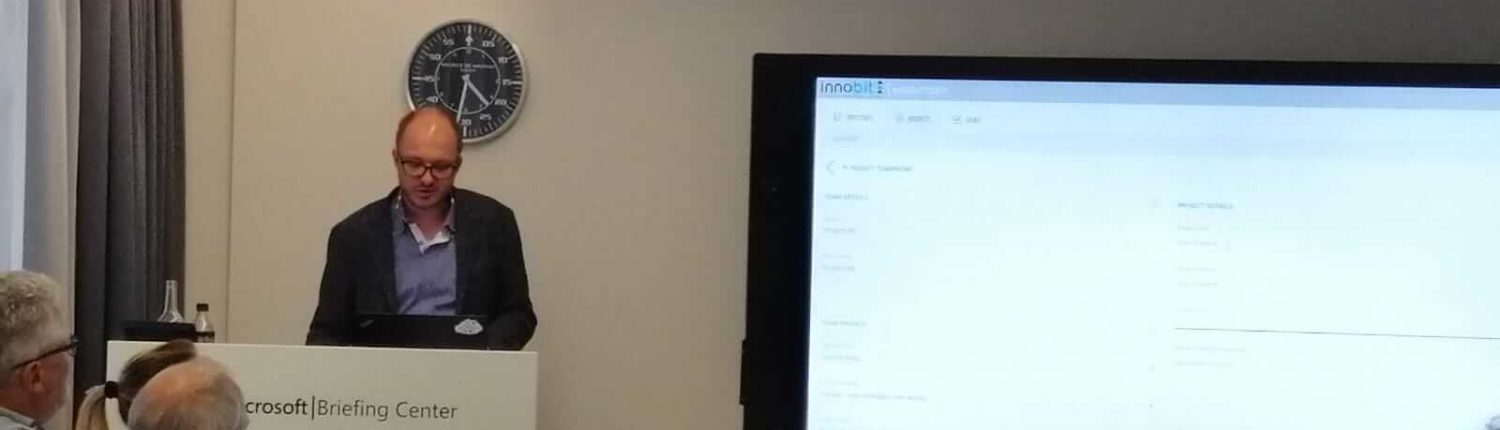
Another important topic addressed by Patrick Spieler, Digital Innovation Lead, innobit ag, was governance and control in Microsoft Teams. He showed how important it is to actively manage Microsoft Teams and what the consequences can be if this task is not given priority and adequate tools are not provided. Both IT and end users can quickly "no longer see the wood for the trees".
To prevent this, those responsible should define structures and authorizations in advance. Extensions such as the Teamwork BoosterKit from innobit offer the possibility of standardizing the creation process of a new team and providing templates depending on the project or task area. Lifecycle management also includes archiving or completely deleting unused channels and teams, which is often neglected and can be another reason for user fatigue.

Join the discussion: Have you already introduced Microsoft Teams? Have you encountered any of the problems described? Or perhaps another one? Feel free to write your questions in the comment field and I will endeavor to answer them promptly.