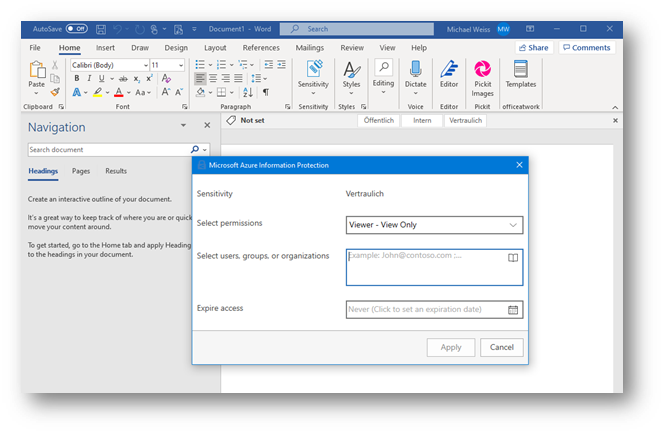
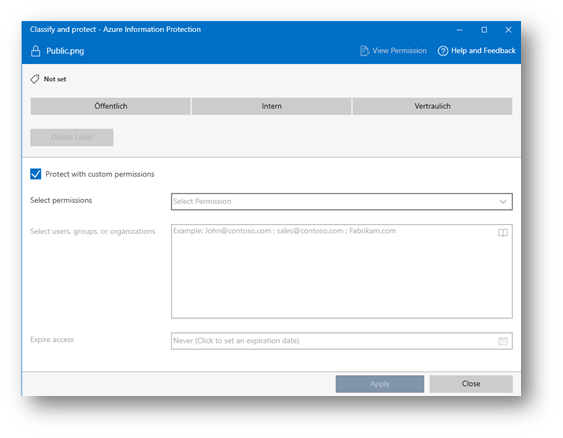
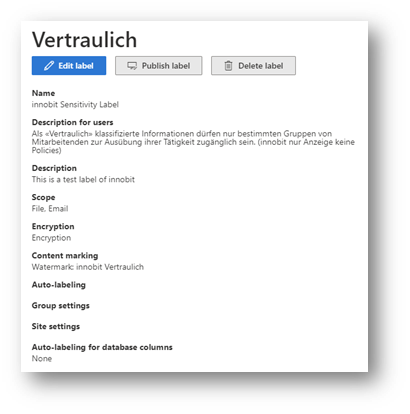
The classified document is then - depending on the selected label and the stored configuration - encrypted, for example, and can only be read or edited by certain users. Printing or forwarding by e-mail can also be prohibited. If the file is to be forwarded, the number of days on which the content can be viewed by external parties can be defined.
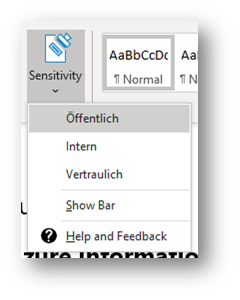
Azure Information Protection provides users with the "Protect" or "Confidentiality" function in their Office applications. This makes it possible to manually apply labels to emails or documents. To ensure that a protected document is deleted regardless, a justification can be requested for this process. Another option is to prohibit deletion altogether.
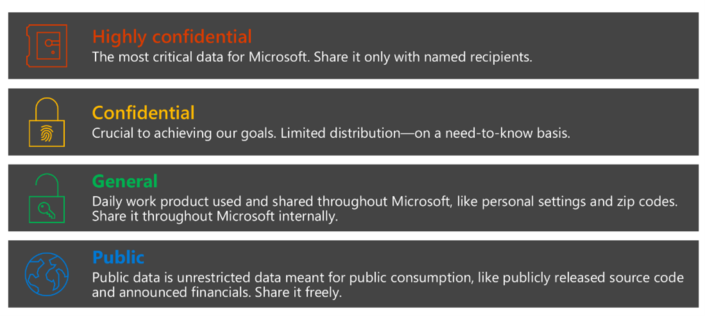
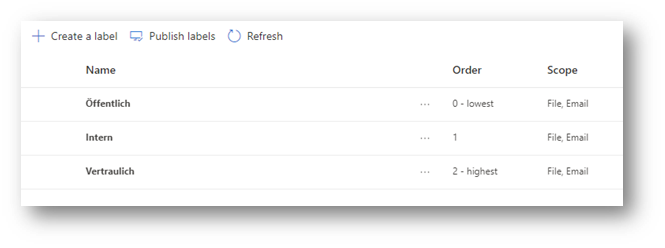
The administrator can assign users different labels that they can use to classify their documents. Azure Information Protection can therefore be set up very granularly.
A sensible configuration would be, for example, to create a "Confidential - all employees" label. This is available to every employee and the document is encrypted in such a way that only employees from your own organization can open it.
In addition, there may be sub-labels, which are distributed on a department-specific basis. One possibility: "Confidential - HR". Only members of the HR group can use this designation in this example and reopen the documents protected with it.
When introducing Azure Information Protection, it is advisable to talk to the relevant departments. On the one hand, to define the required labels and access to them and, on the other hand, to meet the requirements of the various processes for information protection.